Information-stealing macOS malware can hijack Telegram Desktop sessions and compromise cryptocurrency wallets, according to blockchain security firm SlowMist.
The malware scrapes data from macOS Keychain, Safari cookies, Apple Notes, Telegram Desktop, and databases associated with more than a dozen cryptocurrency wallets.
After collecting passwords and authenticated sessions, the malware copies users’ authenticated Telegram Desktop session data, wallet databases and browser wallet extension data.
Slow mist said Attackers can then attempt to decrypt stolen wallet databases offline using passwords recovered from the infected device or replace legitimate Ledger and Trezor apps with fake versions that trick users into entering their recovery phrases. The security company replicated the attack chain in an isolated environment.
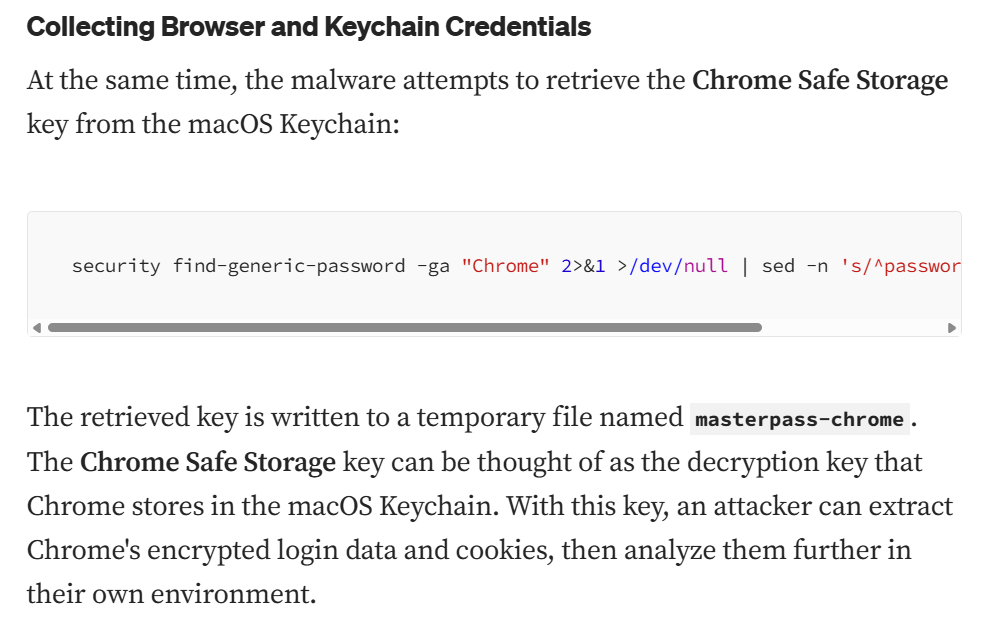
MacOS malicious code used to steal keys and passwords. Source: SlowMist
Related: AI Didn’t Trigger DeFi’s ‘Hackpocalypse,’ Dragonfly Partner Says
MacOS malware targets popular crypto wallets
According to SlowMist, the malware combines multiple techniques into a coordinated attack chain, allowing attackers to use different methods to compromise cryptocurrency accounts and wallets.
The malware targets software wallets such as Exodus, Atomic, Electrum, Wasabi and Monero, as well as hardware wallet applications such as Ledger Live and Trezor Suite, according to SlowMist. It also searches wallet data stored by full node clients, including Bitcoin Core, Litecoin Core, Dash Core, and Dogecoin Core.
Telegram’s two-step verification does not prevent the attack because the malware reuses an authenticated local session instead of creating a new connection, according to SlowMist. In tests, researchers restored stolen Telegram Desktop session data on another Mac without entering a phone number, verification code, or two-step verification password.
SlowMist urged users who suspect their devices have been compromised to immediately end existing Telegram sessions, establish a new trusted connection, and change both their Telegram two-step verification password and Telegram Desktop passcode. The company also recommended generating a new recovery phrase on a clean device and transferring all assets to new addresses.
Review: Does Botanix’s Failure Prove Bitcoiners Don’t Care About DeFi?
About the Author